
Lock not working? Checklist
Work through these checks in order.
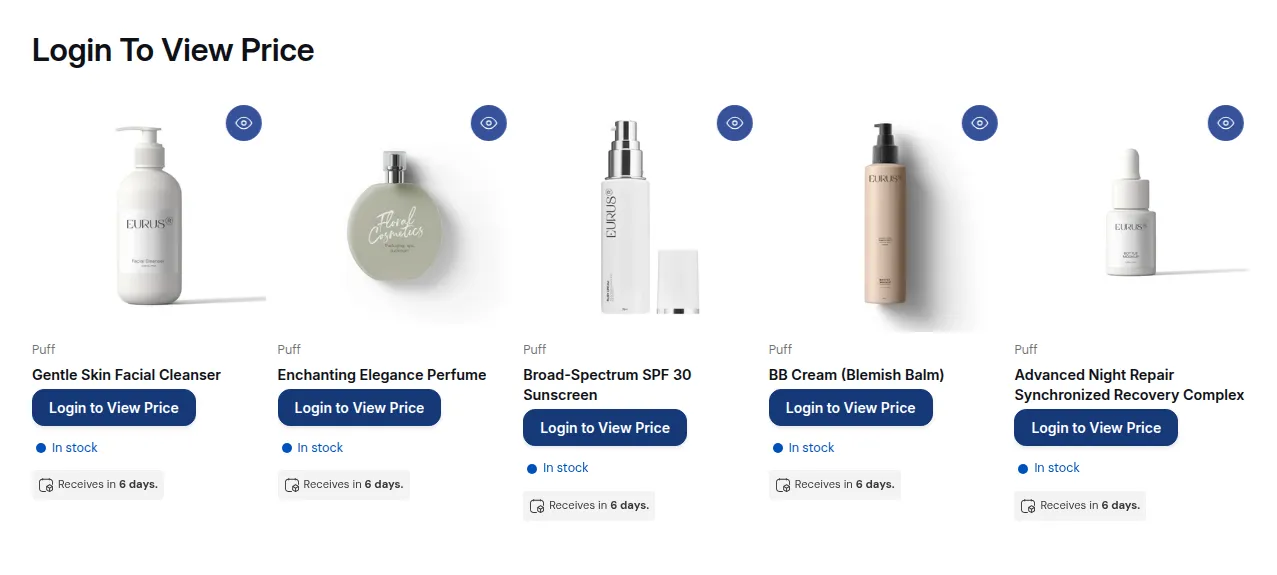
What your customers see on the storefront.
1. The lock code is installed on the live theme
Section titled “1. The lock code is installed on the live theme”BSS B2B Lock adds its lock code to your theme files. Go to Settings > Installation > Auto Installation, pick your live theme and click Install.
After you publish a different theme, the app re-installs the code automatically only when installation targets the live theme. If you installed to a draft theme, install again on the new live theme.
2. The app embed is on
Section titled “2. The app embed is on”In the theme editor, open App embeds and turn on B2B Login By BSS, then save. The app dashboard shows the status under App status.
The core page and price locks run from the installed code. The app embed is needed for:
- the passcode pop-up on collection and search pages,
- the Request access form,
- hiding dynamic checkout (Buy it now) buttons,
- payment rules that hide accelerated checkout buttons on the storefront.
3. The lock is enabled and saved
Section titled “3. The lock is enabled and saved”In Locks, the Status toggle must be on. Status changes in the list are not saved until you click Save in the save bar at the top of the page.
4. Your plan covers the lock target
Section titled “4. Your plan covers the lock target”Outside the free trial, the Free plan supports only the Entire store target. Locks on products, collections, pages, prices, variants or sections are kept but do not apply on the storefront until you choose a paid plan. The editor marks these options with Available in PAID PLAN.
5. Test as a customer, not as the admin
Section titled “5. Test as a customer, not as the admin”- Open the store in a private/incognito window.
- In the theme editor, locks run only when Settings > General > Display rules on Theme Editor is on.
- A visitor who already unlocked content (passcode, secret link, age check, email subscription, location) stays unlocked while their cart exists. Use a new private window to test again.
6. Checkout locks
Section titled “6. Checkout locks”- Checkout locks validate at checkout, not on the cart page.
- Checkout, payment and shipping rules need a paid plan or an active trial.
- Shopify allows at most 25 active payment customizations per store.
7. Hide price on Google
Section titled “7. Hide price on Google”Changes on Google take time: your store must be public, and Google can take up to 24 hours or more to re-crawl.
Before you uninstall
Section titled “Before you uninstall”Still stuck? Contact support with your store URL and the lock name.