
Hide Prices and Ask for a Quote on Shopify
Many B2B stores do not want to show wholesale prices to everyone. With BSS B2B Quote you can hide the price and Add to Cart and show a Request a Quote button instead. You can do it for all visitors, only for guests, or only for some products.
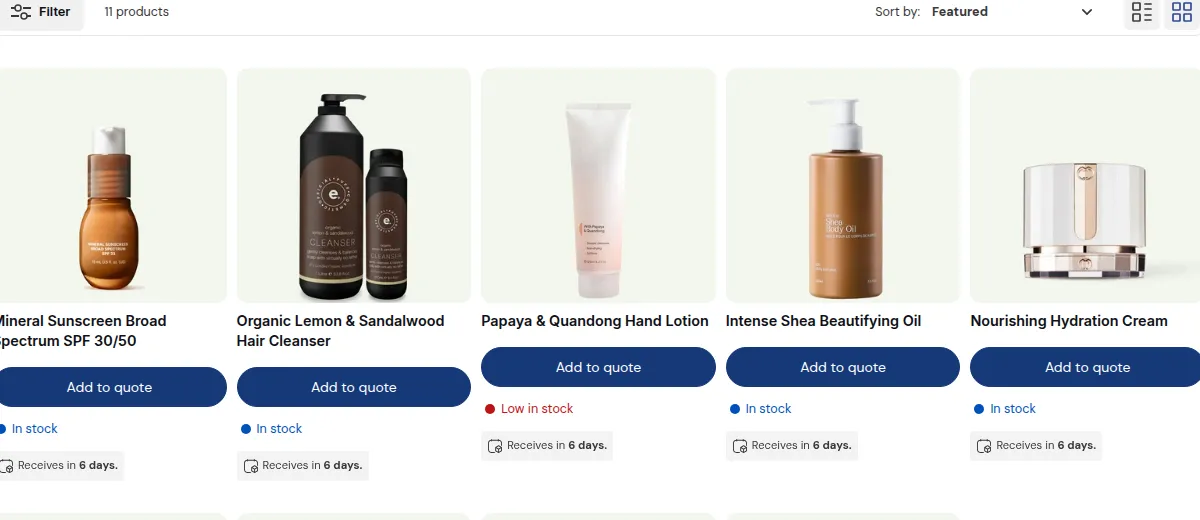
What your customers see on the storefront.
Fastest way: use the template
Section titled “Fastest way: use the template”- Go to Settings → Quote logic.
- Under Start from a template, choose Hide price + quote and click Activate.
The price, Add to cart and Buy now are hidden on every product for all visitors, and they can request a quote instead. You can still edit every setting afterwards. See Start from a template.
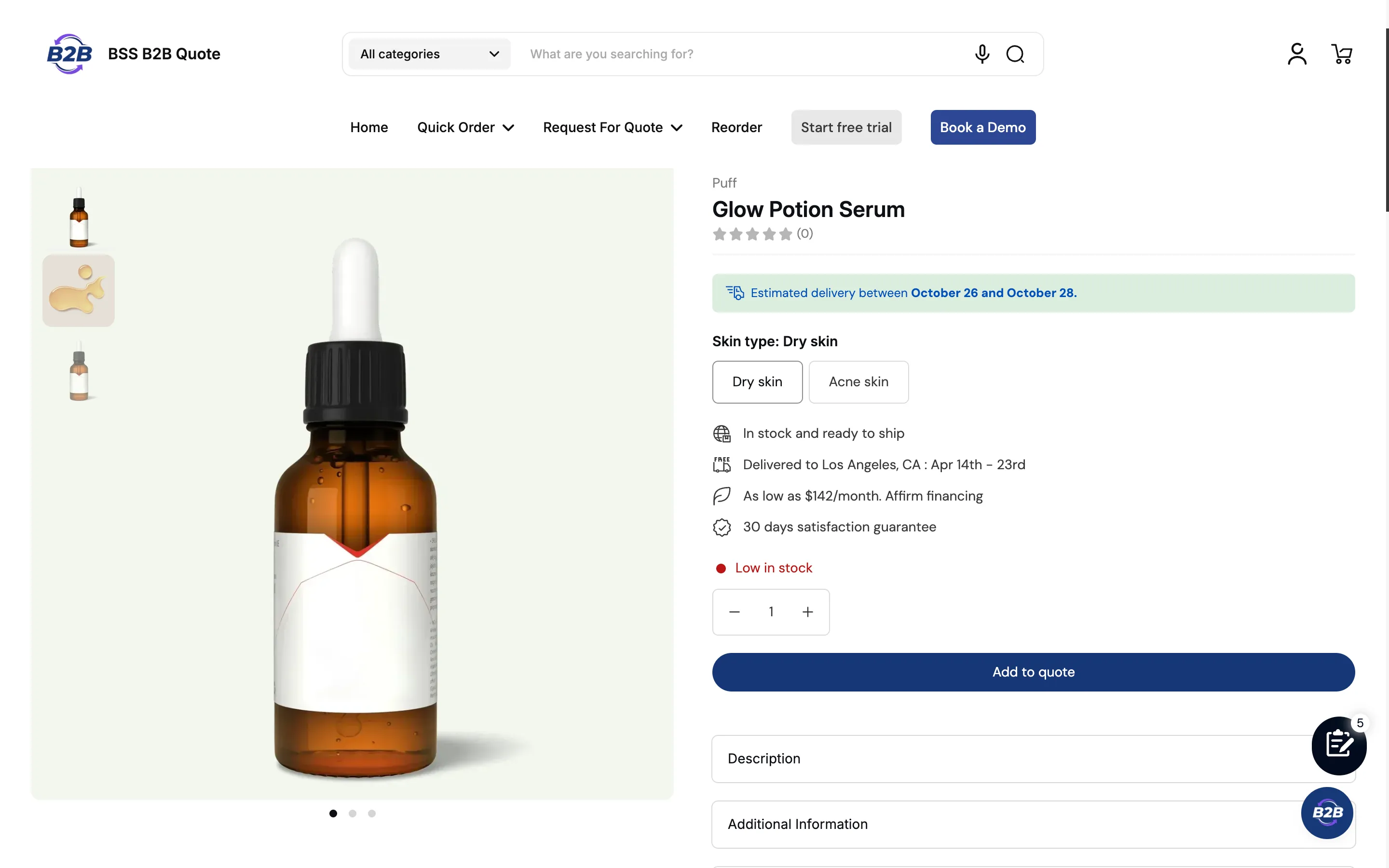
Hide prices only for some buyers or products
Section titled “Hide prices only for some buyers or products”- Create a quote logic and choose Who can request a quote: for example Not logged in to hide prices for guests only, or Customer Tags for a group.
- Choose the products or collections.
- In Quote Catalogs, choose to hide the price and Add to cart.
- Turn on the Request a Quote button and save.
See Set Up Quote Visibility and Hide Price and Add to Cart.
Show “Login to see price”
Section titled “Show “Login to see price””That message comes from BSS B2B Lock, not from Quote. Use Lock to hide prices for guests and Quote to offer them a quote. See Using with BSS B2B Lock.
Test it
Section titled “Test it”Open your store in a private window: the price is hidden and the button is shown. Then log in as a customer who should see prices and check that the normal flow works. If something is wrong, see Quote Button Not Showing.