
Using with BSS B2B Lock
BSS B2B Lock controls who can see what at the storefront level: lock pages, hide prices, or require login/passcodes.
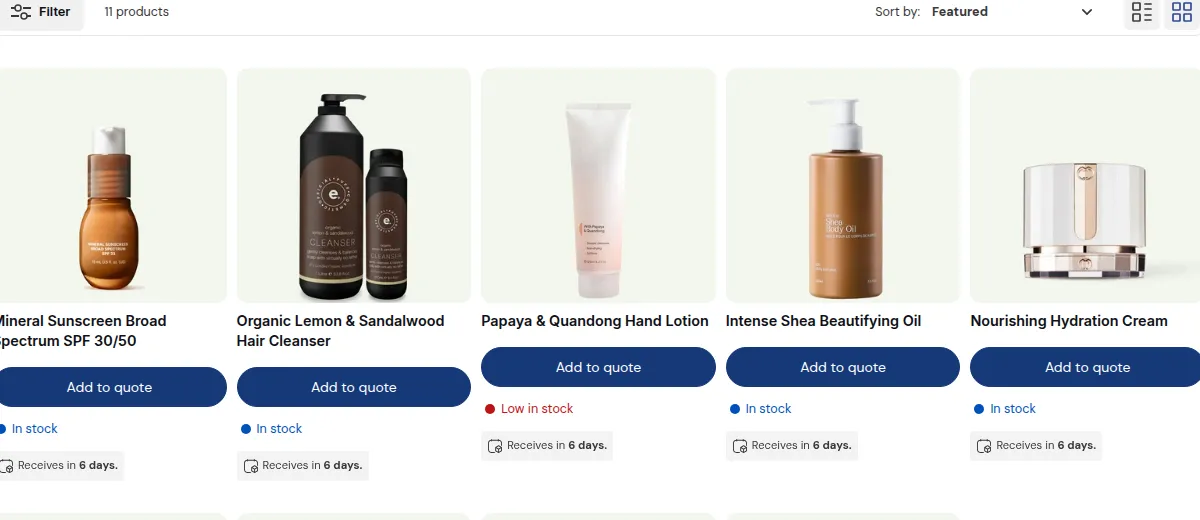
What your customers see on the storefront.
Combined with Quotes & Quick Order, you get both:
- Access control (Lock/Login)
- Ordering & quoting control (Quick Order + RFQ)
1. Typical combined flows
Section titled “1. Typical combined flows”Flow A – Private B2B portal
- BSS B2B Lock:
- Lock Quick Order pages, Company customer pages, and any B2B content.
- Only logged-in, tagged customers can access.
- Quotes & Quick Order:
- For those customers, show Quick Order + RFQ using custom pricing or B2B catalogs.
Flow B – Public catalog, private pricing
- BSS B2B Lock:
- Keep most product pages visible to everyone.
- Optionally hide prices for guests.
- Quotes & Quick Order:
- Guests see “Login to see price” or RFQ-only views (via Quote Logic).
- Logged-in B2B customers see full prices + Quick Order + RFQ options.
Flow C – Tiered access (VIP or region-based)
- BSS B2B Lock:
- Use rules to segment access by tag/region (e.g. EU vs US).
- Quotes & Quick Order:
- For each segment, use specific Quick Order pages / Quote Logic rules:
- Different products
- Different RFQ behavior
- Different hide/show price rules
- For each segment, use specific Quick Order pages / Quote Logic rules:
2. Best practices
Section titled “2. Best practices”- Decide your access strategy first with BSS B2B Lock:
- Who can see the store?
- Who can see B2B pages?
- Who can see prices?
- Then configure Quick Order + RFQ on top:
- For allowed users, design the exact combination of:
- Price visibility
- Add to Cart vs RFQ
- Quick Order vs regular PDPs
- For allowed users, design the exact combination of:
Used together, Shopify Plus B2B, BSS B2B Solution, BSS B2B Lock, and BSS B2B Quote form a cohesive B2B Suite:
- Shopify/B2B apps handle identity, catalogs, and access
- This app handles how B2B buyers place bulk orders and request quotes in one consistent workflow.