
Feature Customization in Theme
Feature customization in theme holds developer settings for two features. Go to Advanced Settings > Feature customization in theme and click Configure on a card.
Custom Pricing: Developer Settings
Section titled “Custom Pricing: Developer Settings”To show B2B prices, the app finds the price elements in your theme and replaces them. If your theme uses different HTML, tell the app where the prices are.
- Status: turns your custom selectors on or off without deleting them.
- CSS selectors for product prices: for example product price (part 1 and part 2), sale, regular, compare, from, unit and variant price, variant option, cart form and Buy it now button.
- CSS selectors for cart prices and CSS selectors for ajax cart: item prices, line prices, cart subtotal and total, quantity input, update and checkout buttons, and the ajax cart wrapper.
- CSS selectors for quick view: the prices and buttons inside quick view.
- Time delays (in milliseconds): how long the app waits after a variant change, a quantity change, or opening the ajax cart or quick view, so your theme finishes rendering first.
Your selectors are added to the app’s built-in selectors, not replacing them: add the selector your theme uses and everything else keeps working. Custom Pricing itself still depends on the module being on and included in your plan; Status only decides whether your extra selectors are used.
Registration Form: Developer Settings
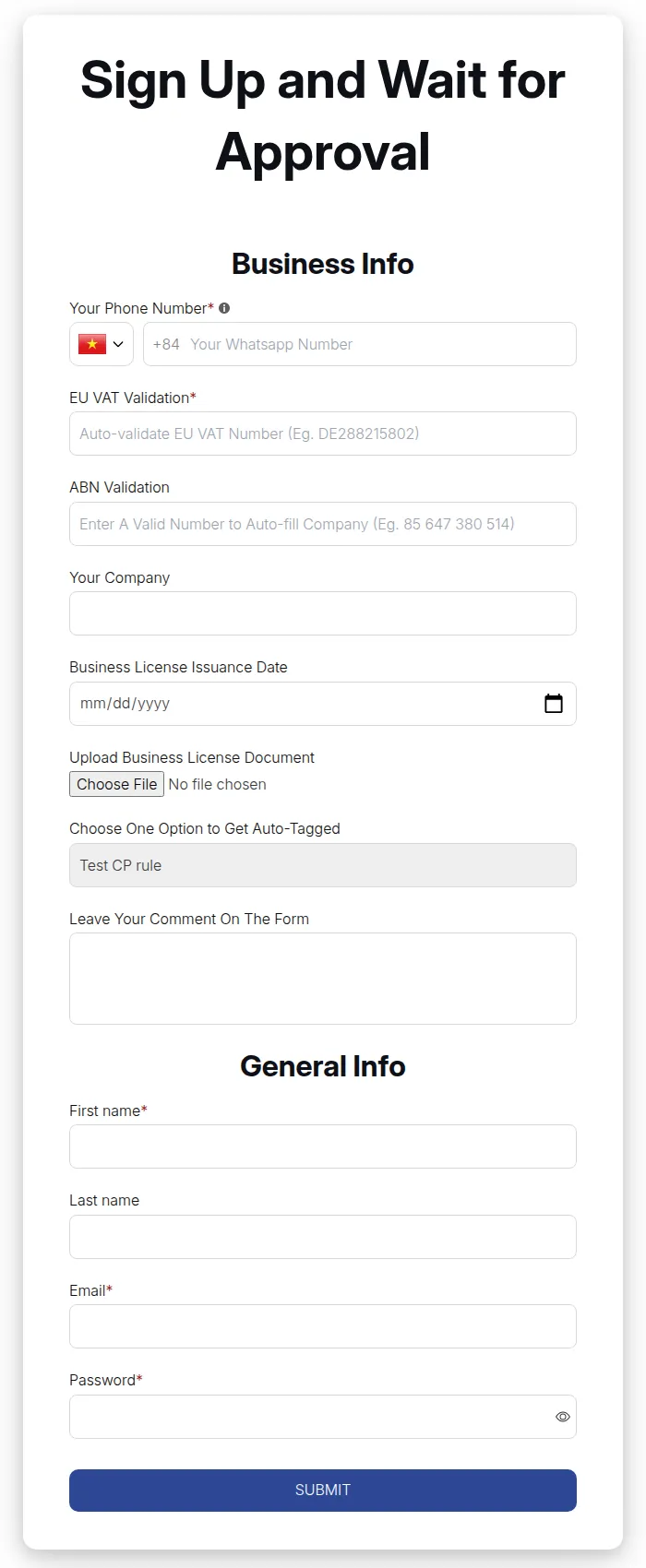
Section titled “Registration Form: Developer Settings”- Registration Form Notes: choose Add form field from customer’s note to order’s note to copy the customer’s registration answers into the note of every order they place, or Don’t Add customer’s note to order’s note.
- Custom CSS: select a form and enter CSS that applies only to that form, for example to change field spacing or button styles.
Click Save on each page.