
Shopify POS
Shopify POS now fully supports our Custom Pricing, Price List, and Quantity/Amount Break features: allowing you to create and manage B2B orders directly through the POS system.

1. Enable the integration
Section titled “1. Enable the integration”In your Shopify admin, go to Sales channels > POS > Settings > General > POS app.
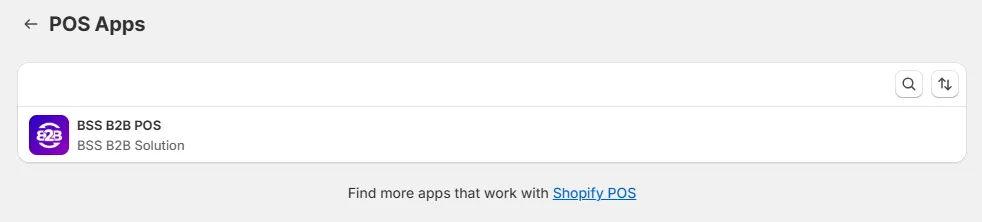
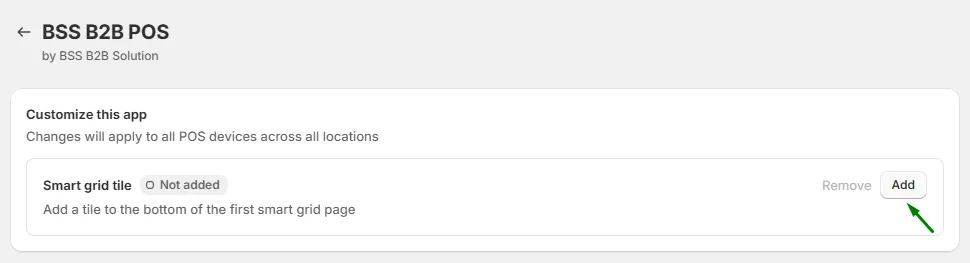
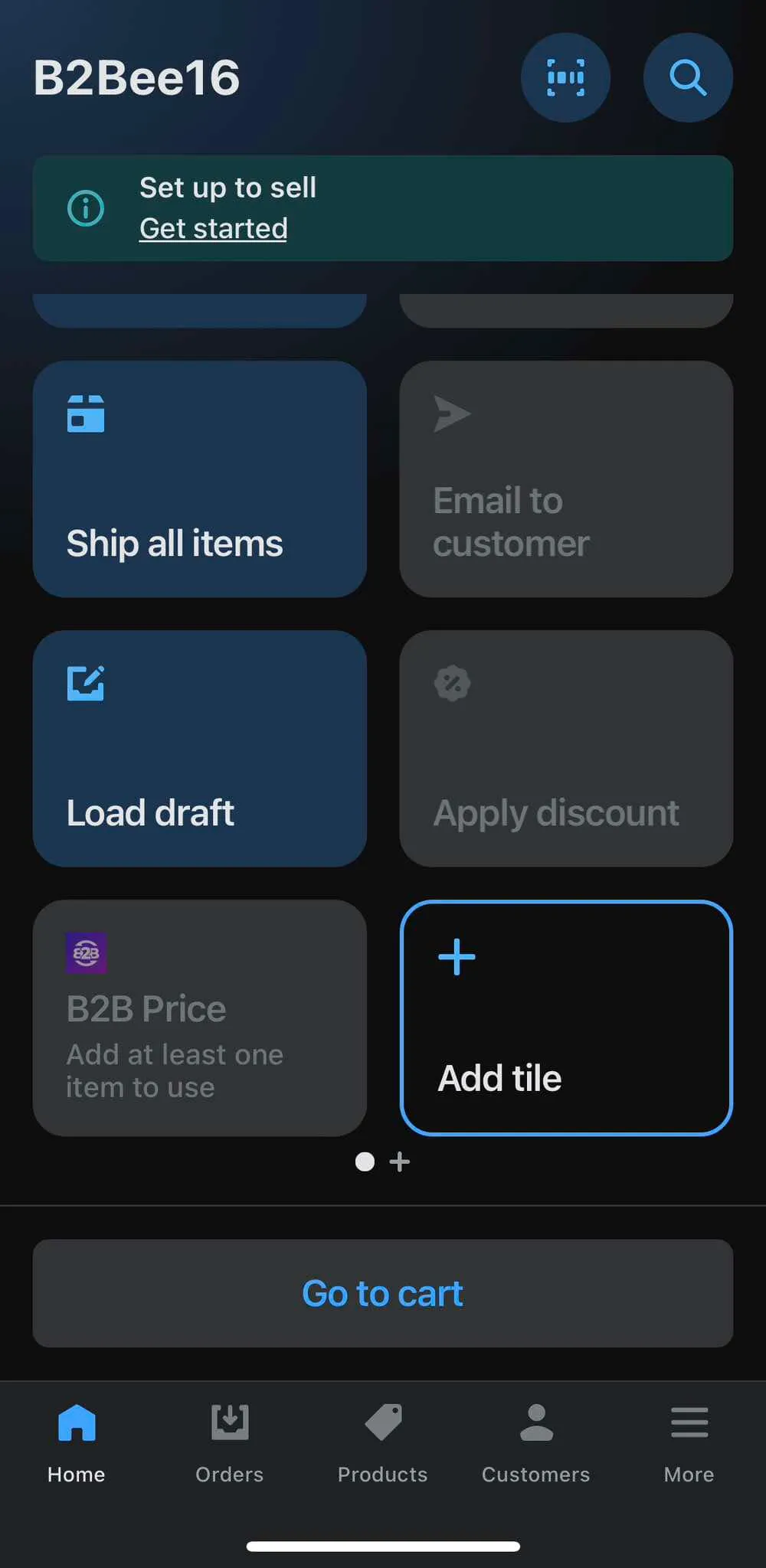
Select BSS B2B POS, then click Add to enable the Smart Grid Tile on your POS device.
2. Create a B2B Order on POS
Section titled “2. Create a B2B Order on POS”Once the integration is enabled, you can create B2B orders right from your POS system.
Step 1: Add the product and customer to the cart.
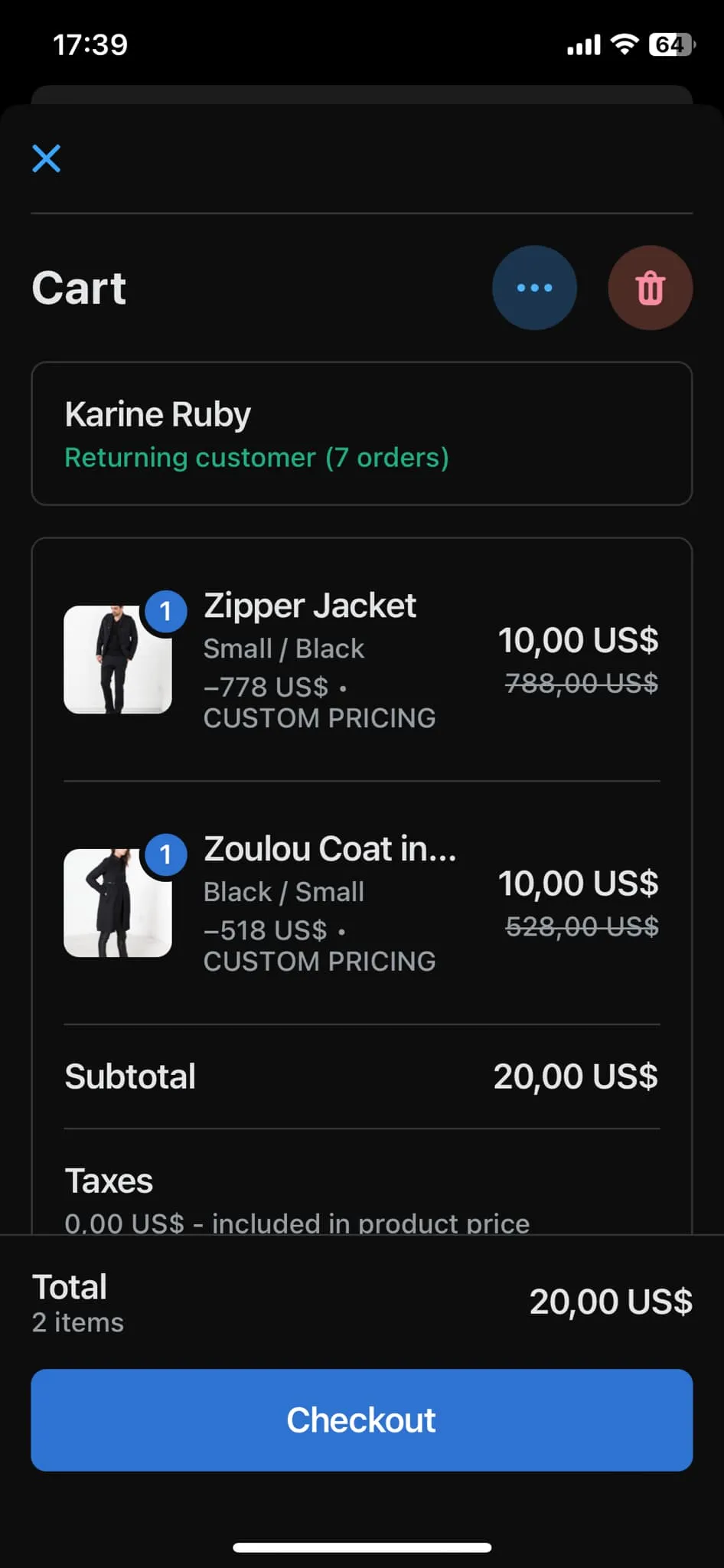
Step 2: The discount will be automatically applied if the customer and product meet your pricing rules.
3. If the tile shows an error
Section titled “3. If the tile shows an error”If the BSS B2B POS tile can’t load your B2B rules (for example after a brief network drop), it shows “Couldn’t check discounts. Tap to retry”.
- Tap the tile to reload the rules. The tile shows a loading state, then updates with the latest result.
- The tile does not retry on its own: tap it again whenever you see the error.