
Can I restrict a shipping rate to specific countries or markets?
Short answer: yes, by Shopify Market. A rule applies to every country inside the markets you select.
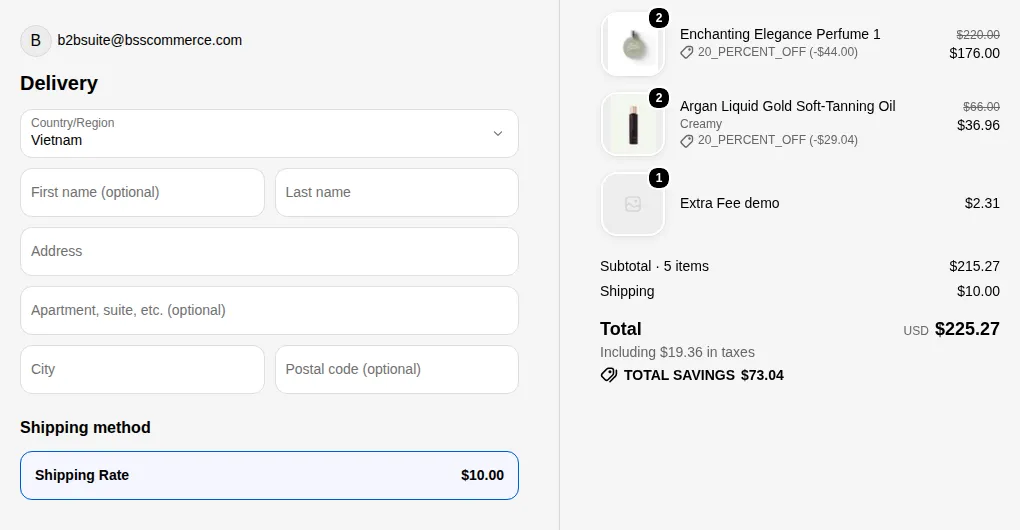
What your customers see on the storefront.
Set it up
Section titled “Set it up”- Create your markets first in Shopify admin: Settings > Markets.
- In BSS B2B Solution, open B2B Pricing > Shipping Rate and create or edit a rule.
- In the Targeting step, set Apply to markets to Specific markets and pick the markets.
- Save the rule.
| Apply to markets | The rule applies to |
|---|---|
| All markets | Every visitor, wherever they are |
| Specific markets | Only visitors browsing in the selected markets |