
Orders Custom Fields
The Orders Custom Fields module allows you to collect extra information from customers when they place their orders, helping you tailor the shopping experience to fit your business needs.
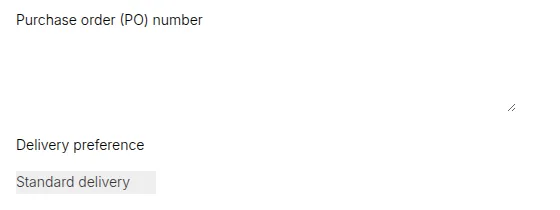
What your customers see on the storefront.
With this module, you can easily add custom input fields to the cart: a text field, radio buttons, checkboxes, or a dropdown list. This lets customers share important details like delivery instructions, reference numbers, special packaging requests, or any other custom information you require.
It’s especially valuable for B2B and wholesale stores, where every order may come with unique requirements or internal business processes.
By using the Orders Custom Fields module, you can:
- Customize input types to match your business workflow.
- Simplify communication and reduce manual follow-ups.
- Provide a smoother and more professional ordering experience.
In short, this module helps you stay flexible and customer-focused, ensuring every order comes with the exact information your team needs to fulfill it efficiently.