
How to Avoid Duplicated Discounts When Using Another B2C Discount App
If you’re using another Shopify discount app alongside our BSS B2B Solution app, you might worry that your B2B customers could receive both discounts: the wholesale price and the additional B2C discount.
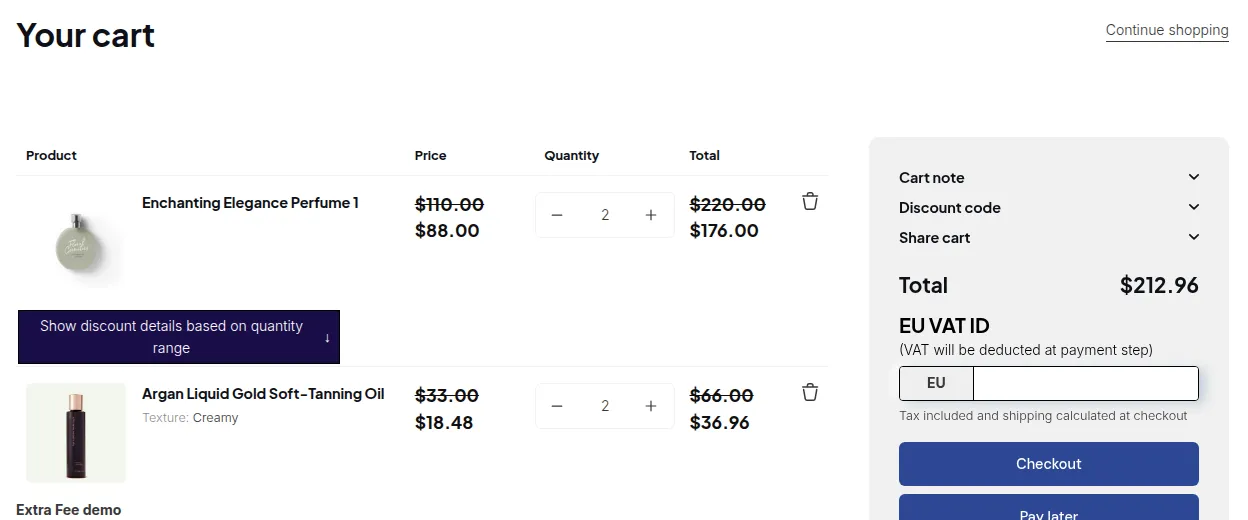
What your customers see on the storefront.
No worries: our app is designed to prevent this situation automatically. Let’s walk through an example to explain how it works 👇
Example Scenario
Section titled “Example Scenario”You have two customer groups:
- 🏷️ B2B customers: tagged with b2b
- 🏷️ B2C customers: tagged with b2c
Discount setup:
- In your B2C discount app, you create a rule:
➜ 10% off for orders over $500. - In the BSS B2B Solution app, you create a Custom Pricing or Quantity Break rule:
➜ 30% discount applied to customers with the b2b tag.
Result
Section titled “Result”- B2B Customers:
When B2B customers log in, they will see their custom wholesale prices (already discounted by 30%).
They cannot apply the additional 10% discount from the B2C discount app, even if their order exceeds $500. - B2C Customers:
B2C customers will see the original product price and can apply the 10% discount from your B2C app when their order total exceeds $500.
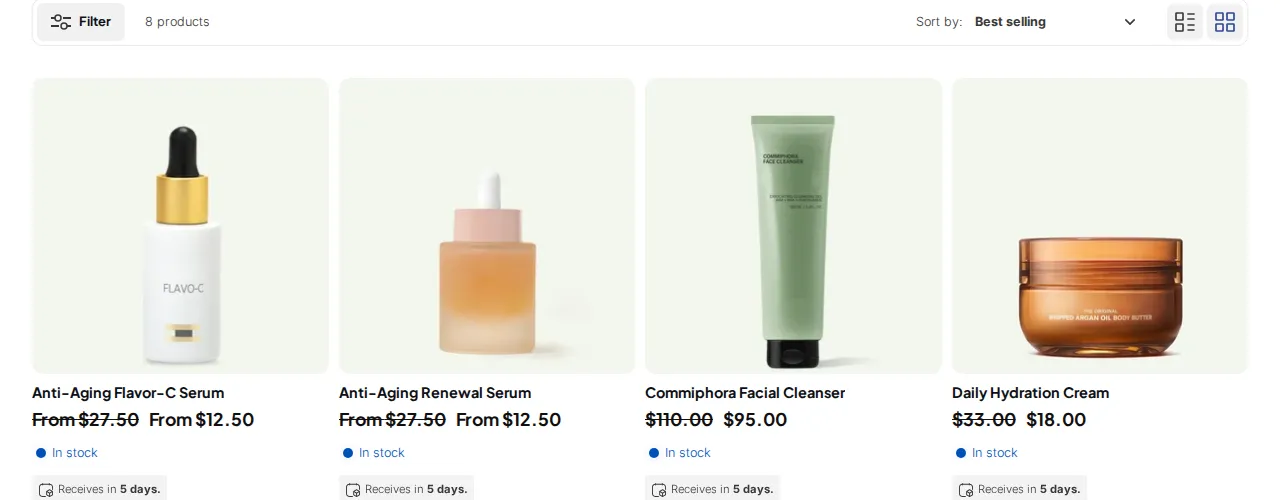
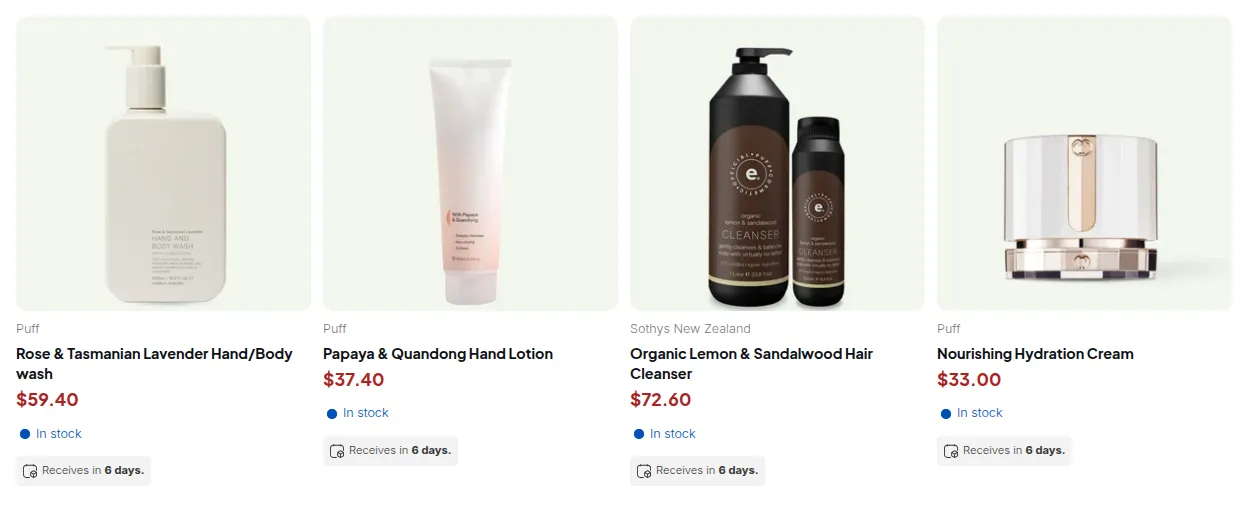
This separation ensures no duplicate discounts are applied and keeps your pricing structure clean and accurate.
- Use customer tags (e.g., b2b, b2c) to clearly define which customers receive wholesale pricing and which follow your retail discount rules.
- You can manage these tags automatically using our B2B Registration Form feature.
Try It Yourself
Section titled “Try It Yourself”You’ll have a 14-day free trial to test how both pricing systems work together.