Zapiet Pickup + Delivery

Introduction
Section titled “Introduction”You can integrate Zapiet - Pickup + Delivery with BSS B2B Solution to manage local pickup, delivery, and shipping options while keeping your B2B pricing and quantity rules active.
To use this integration, both apps must be installed.
The integration needs the Advanced or Platinum plan of BSS B2B Solution. See Pricing plans.
-
Connect Zapiet - Pickup + Delivery
Section titled “Connect Zapiet - Pickup + Delivery”- In BSS B2B Solution, open the Integrations page (see App Integration).
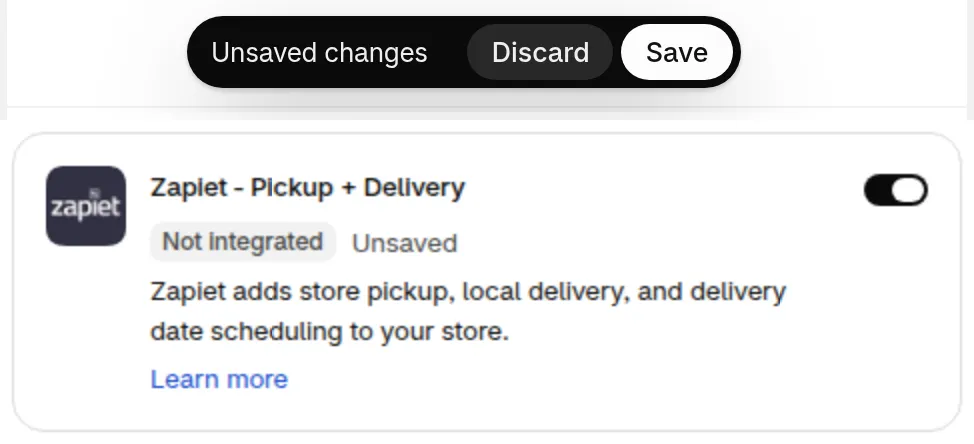
- On the Zapiet - Pickup + Delivery card, switch on Turn on Zapiet - Pickup + Delivery integration, then click Save in the Save bar.
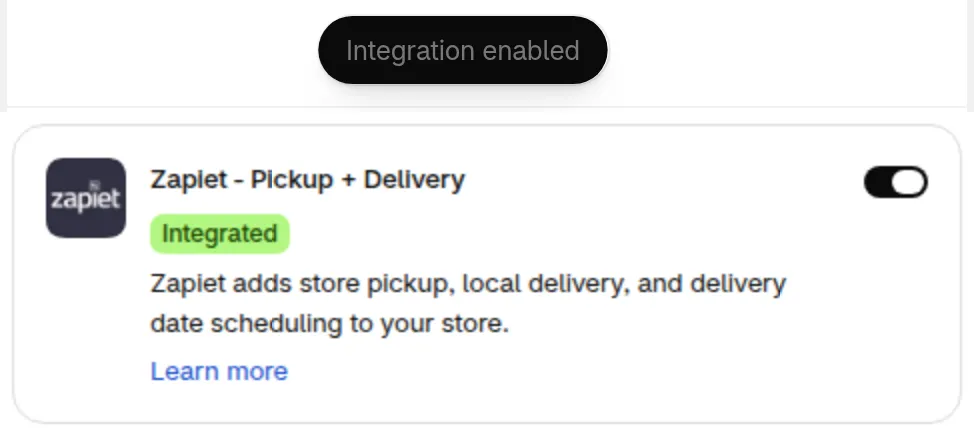
The card changes to Integrated and a message confirms that the integration is enabled.
-
Set Up Zapiet - Pickup + Delivery
Section titled “Set Up Zapiet - Pickup + Delivery”After installing Zapiet - Pickup + Delivery, you will receive an email from Zapiet with all necessary setup instructions for your Shopify store.
If you haven’t received the email, you can refer to these resources to get started:
Once setup is complete, both apps will be integrated and ready to use together.
How the Integration Works
Section titled “How the Integration Works”Zapiet - Pickup + Delivery works seamlessly with most B2B/Wholesale features such as Custom Pricing and Volume Pricing.
Example: Using Volume Pricing with Zapiet
Section titled “Example: Using Volume Pricing with Zapiet”- Create a Volume Pricing rule
- Example: When purchasing 10-15 items, apply a 50% discount.
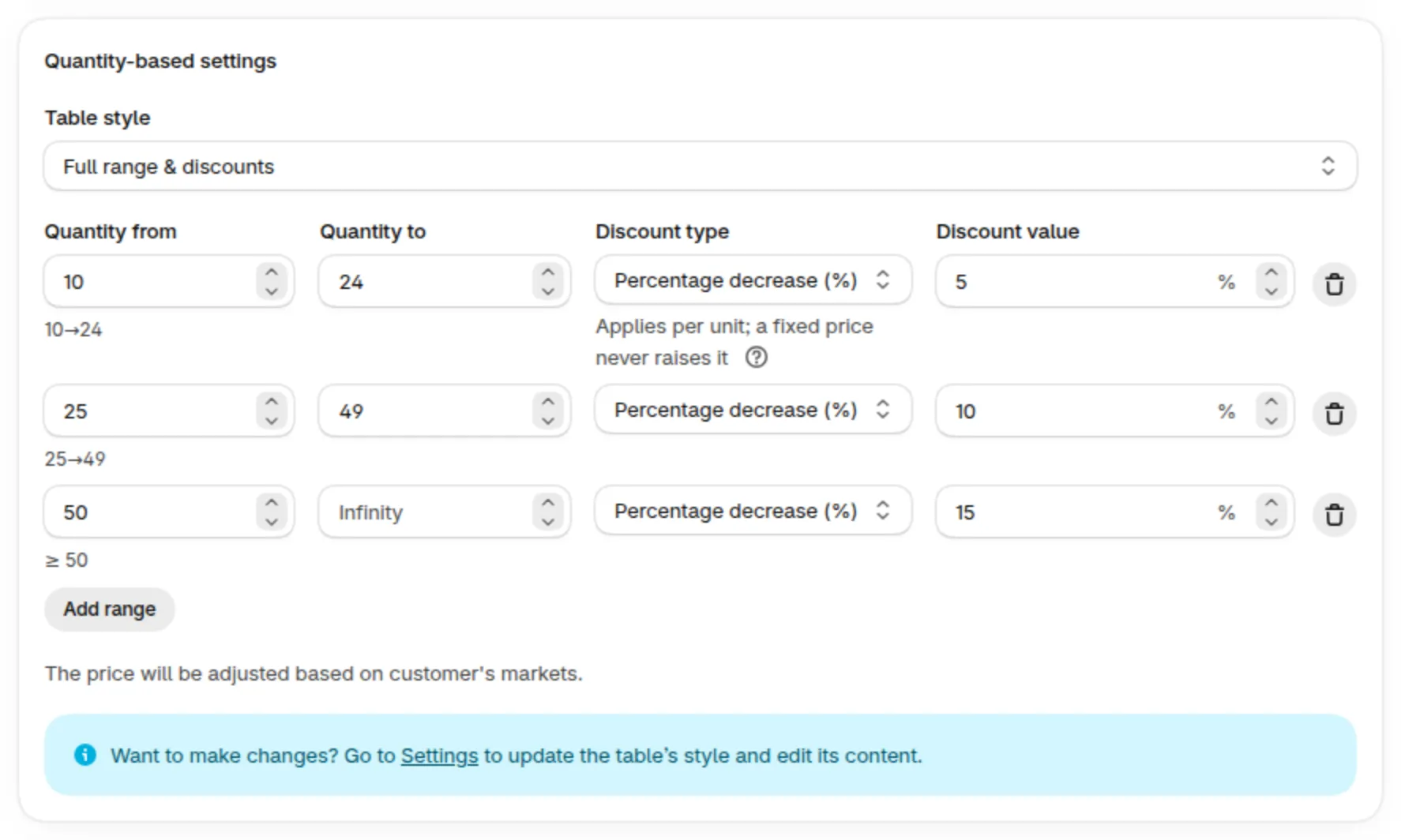
Sample tiers from a different rule. Set your own quantities and discount.
-
Set up your store with Zapiet - Pickup + Delivery.
-
On the storefront:
- The Volume Pricing table will be displayed.
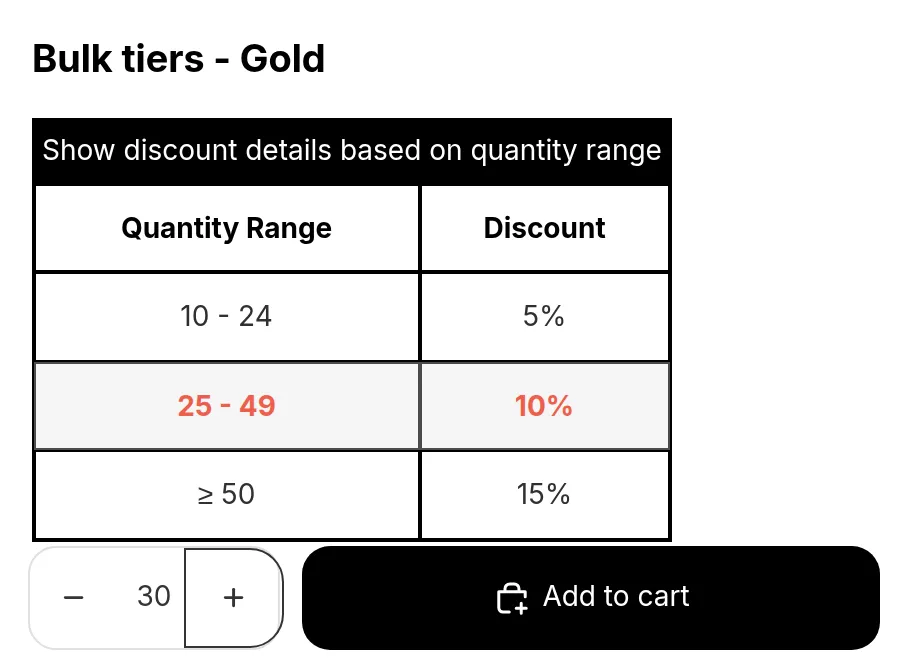
Sample Volume Pricing table. Your tiers show the quantities and discounts you set.
-
On the cart page:
- You’ll see the available shipping or pickup options from Zapiet.
- The prices will reflect your active Volume Pricing rules.
-
After purchase:
- The order details will include data from both BSS B2B Solution and Zapiet - Pickup + Delivery.
If You Didn’t Connect the Two Apps
Section titled “If You Didn’t Connect the Two Apps”If the apps are not connected on the Integrations page, your orders may only apply the rules from either BSS B2B Solution or Zapiet - Pickup + Delivery.
For example, an order might display additional details from Zapiet but ignore the Volume Pricing rule.