
I don't see the app on my storefront
Short answer: the BSS B2B Solution app embed is almost always turned off in your live theme.
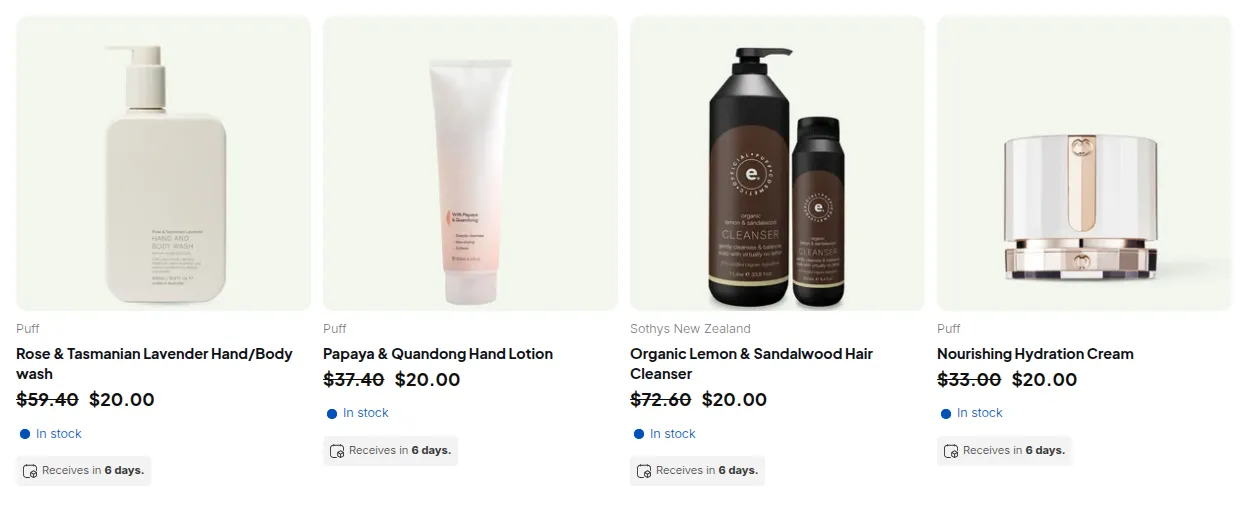
What your customers see on the storefront.
Prices, volume pricing tables, order limit messages, quantity increments, discount code boxes and the registration form are all loaded by one app embed. When the embed is off, none of them appear on the storefront, even if every rule is configured and enabled.
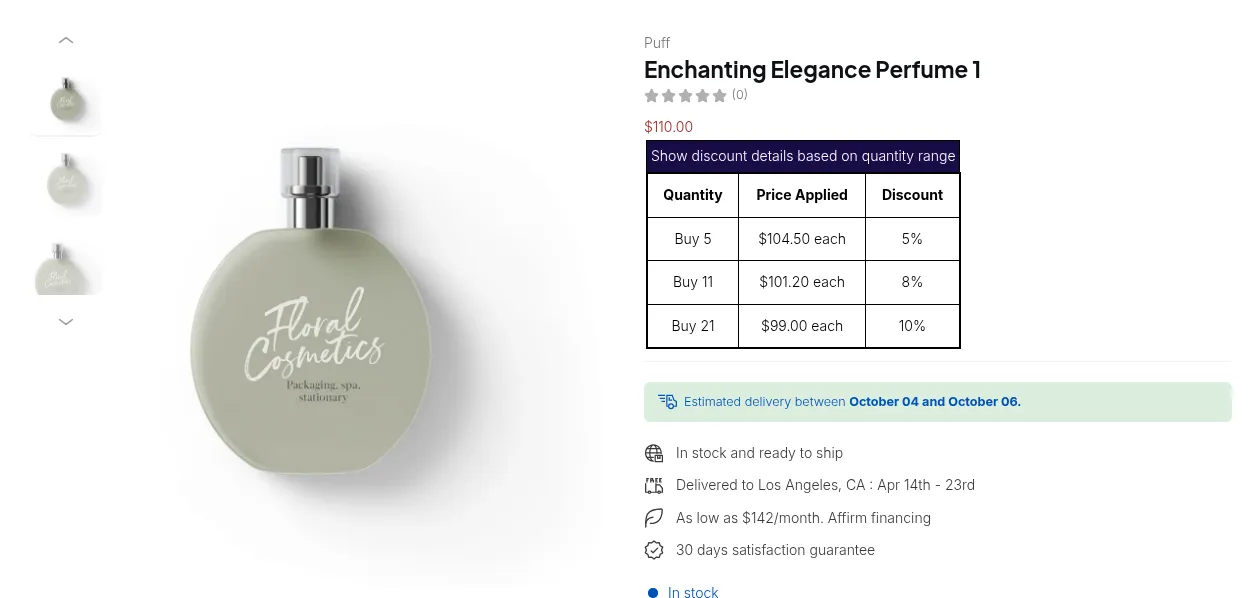
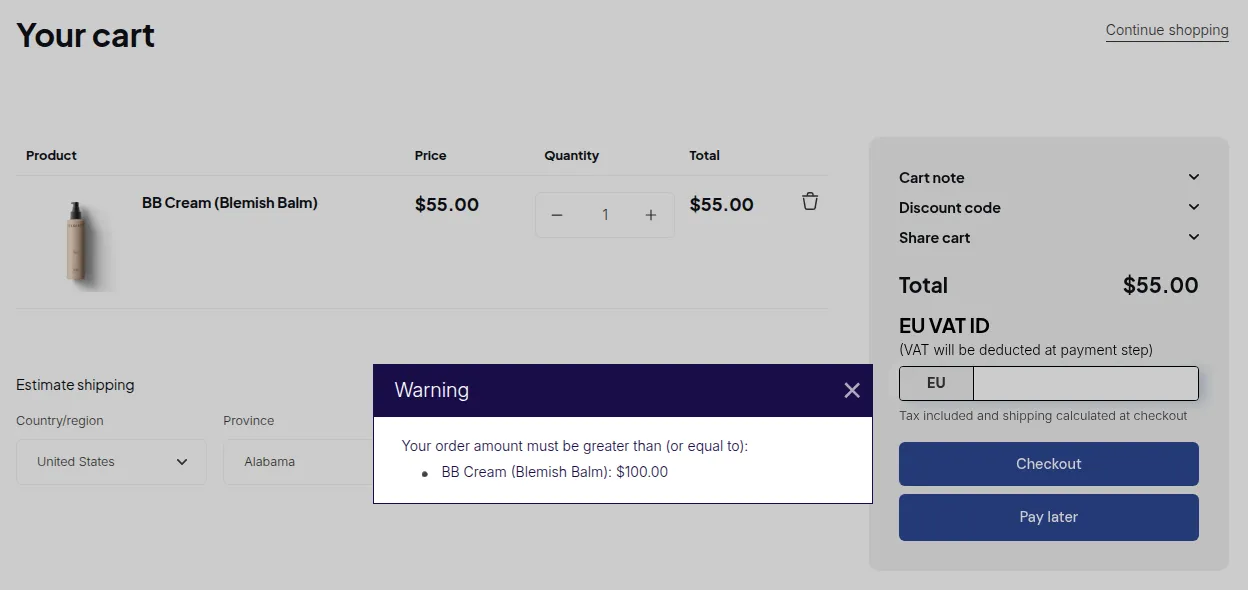
Turn the app embed on
Section titled “Turn the app embed on”- In Shopify admin, go to Online Store > Themes and click Customize on your live theme.
- Open App embeds (the puzzle icon in the left sidebar).
- Turn on B2B Solution and click Save.
- Reload your storefront in a private window to check.
The app home page also shows App embed status. When it is off you see “Turn on the app embed in the Shopify Theme Editor to display B2B prices, rules, and widgets on your storefront.” with an Open theme editor shortcut.
Quick check
Section titled “Quick check”| Situation | Result | Fix |
|---|---|---|
| Embed on, rules enabled | Features show | - |
| Embed off | Nothing shows | Turn the embed on |
| New theme published | Nothing shows | Turn the embed on in the new theme |
| Module switched off in the app | That feature does not show | Turn the module on in BSS B2B Solution |
See also: Install the apps and enable app embeds