
How to Combine BSS B2B Solution and BSS B2B Lock
You can combine the BSS B2B Solution app and the BSS B2B Lock app to create a powerful B2B experience: allowing you to restrict access, require login, and set up custom prices for specific customers based on their tags.
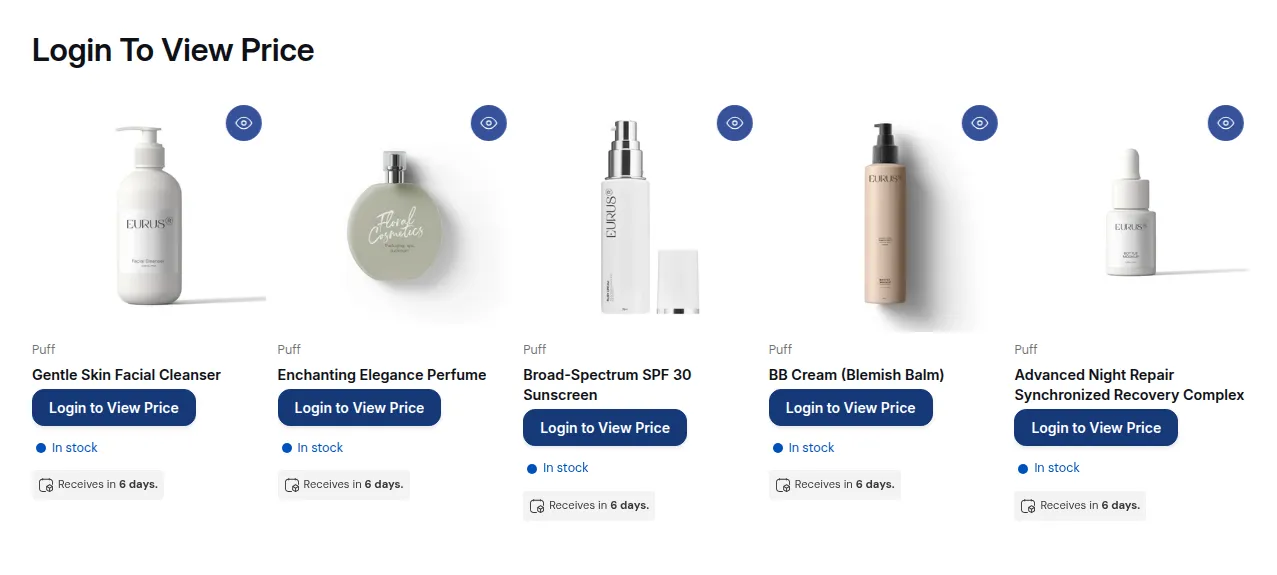
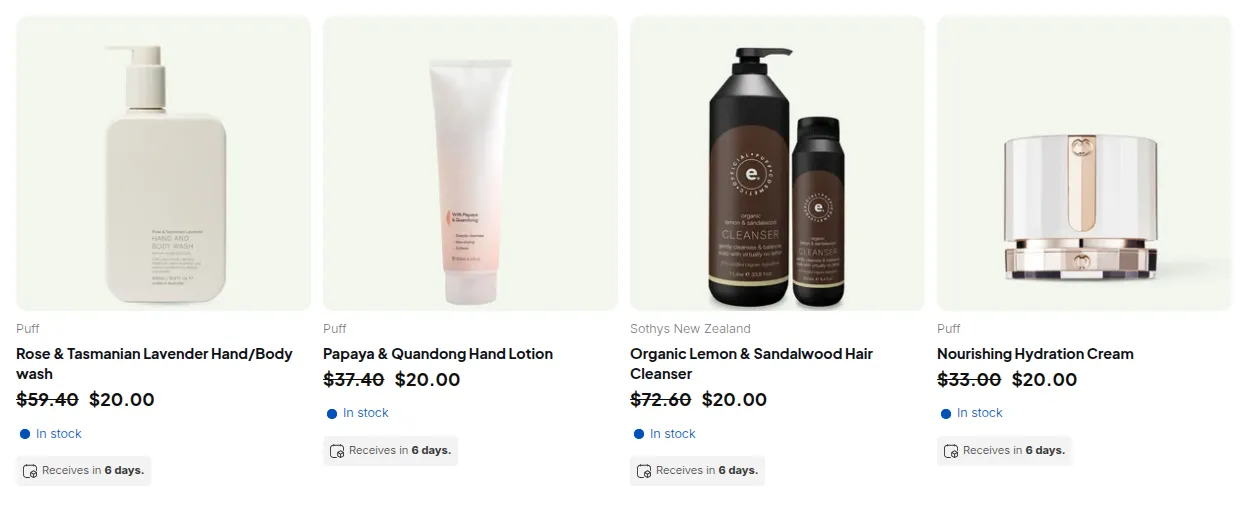
What your customers see on the storefront.
Step 1: Restrict Access (BSS B2B Lock)
Section titled “Step 1: Restrict Access (BSS B2B Lock)”With BSS B2B Lock, you can control which visitors can view specific pages or product prices.
Available options include:
- 🔑 Login to access page: Force customers to log in before viewing the page.
- 💬 Login to see price: Show prices only to logged-in customers.
- 🔒 Enter password to see price: Restrict access behind a password.
- 🚫 Hide products from customers: Hide certain products or collections from non-tagged users.
👉 Only customers with the specific tag(s) you define will be able to view these restricted pages or prices.
Step 2: Set Up Registration Form & Auto-Add Tags (BSS B2B Solution)
Section titled “Step 2: Set Up Registration Form & Auto-Add Tags (BSS B2B Solution)”Use the B2B Registration Form feature to collect customer information and automatically assign tags after admin approval.
How it works:
- Create a custom registration form.
- When a new customer registers, they’re added as “Pending.”
- After approval, the system automatically adds the tag(s) you define.
These tags determine which customers can:
- Access restricted pages.
- See B2B or wholesale prices.
Step 3: Apply Custom Pricing (BSS B2B Solution)
Section titled “Step 3: Apply Custom Pricing (BSS B2B Solution)”Once your tagged customers have access, you can assign them exclusive pricing.
To create a Custom Pricing rule:
- Go to Custom Pricing → Apply to Customers.
- Select Customer tags.
- Enter the tag(s) you want to target.
- Click Save to activate the rule.
Now, only customers with those tags will see the custom prices on your storefront.
How It Works Together
Section titled “How It Works Together”By combining both apps:
- Customers register through your B2B Registration Form.
- Once approved, they’re auto-tagged.
- Tagged customers gain access via BSS B2B Lock.
- They can then see custom B2B prices through BSS B2B Solution.