
My shipping rate usage limit isn't being respected
Short answer: the limit is checked live before the rate is applied, and the count goes down when Shopify reports each order. If that report is delayed, or the customer is a guest, the rate can still apply.
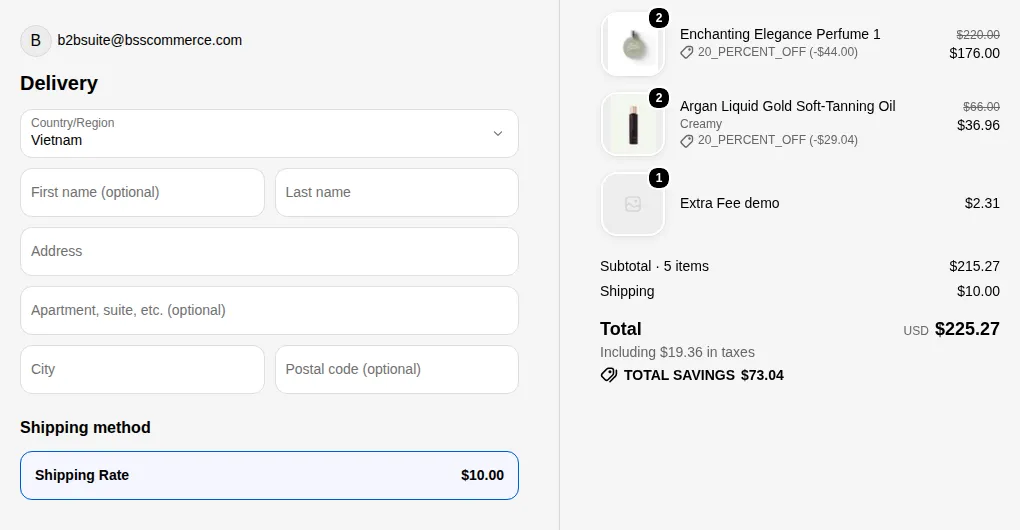
What your customers see on the storefront.
Shipping Rate rules have two usage limits in the Rate Settings step:
- a total limit for the rule,
- a per-customer limit. This is not available when the rule applies to All or Not-logged-in customers.
Common causes
Section titled “Common causes”| Cause | What to do |
|---|---|
| A recent order is not counted yet | Wait a moment and check the rule again |
| The customer checked out as a guest | Per-customer limits need a logged-in customer. Target logged-in customers or tags. |
| The live check could not run | Reload the cart and try again. If it keeps happening, contact support. |
| Two rules share the same name | Use a unique rule name. The app warns about this next to the usage limits. |