
Can the same email register twice on the registration form?
Short answer: no. If an application already exists for that email in your store, a new submission is blocked, whether the first one is Pending, Approved or Rejected.
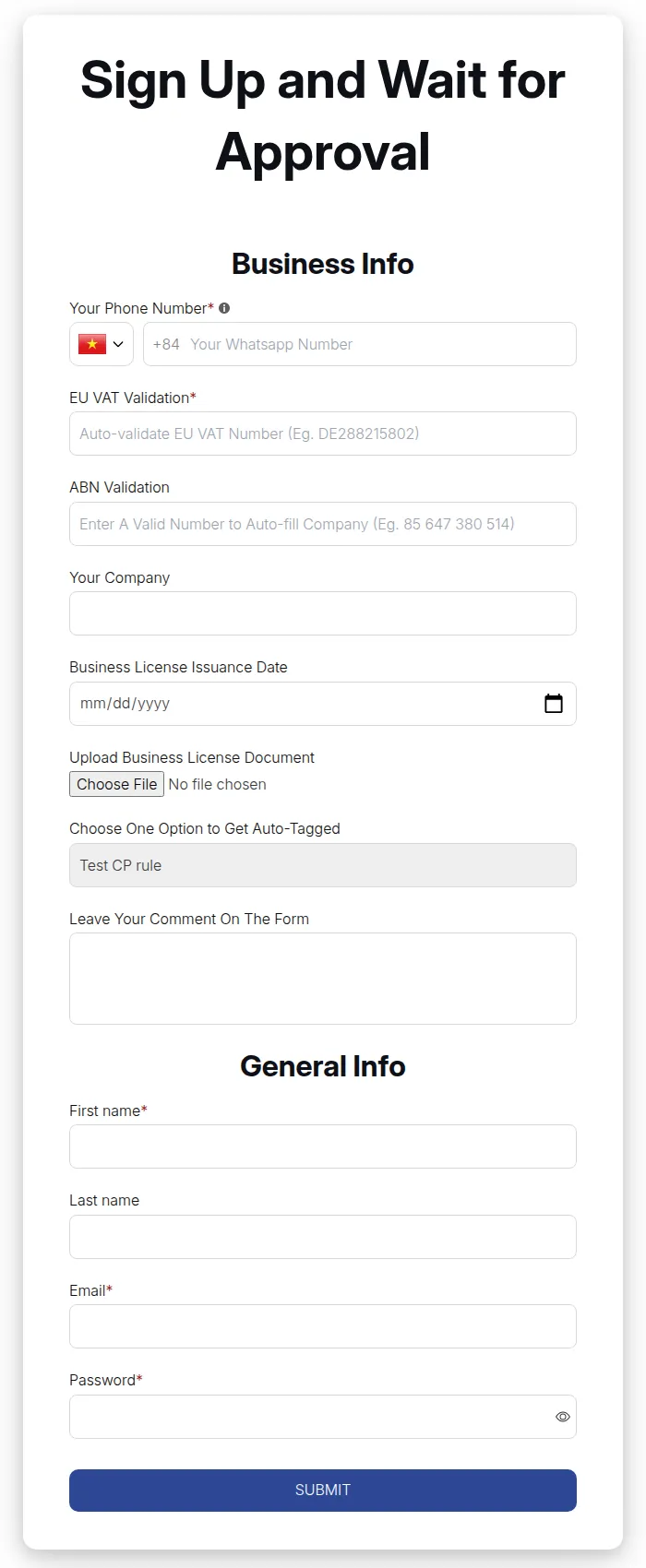
What your customers see on the storefront.
By default the shopper sees “Customer email already exists”. You can change this text in the registration form Translations.
Let the customer apply again
Section titled “Let the customer apply again”- Go to B2B Customers > Registration Forms > Registration management.
- Search for the email and delete the old record (Delete this customer on our app server).
- The customer can now submit the form again.
Existing retail customers
Section titled “Existing retail customers”If your store already has retail customers who want a wholesale account, turn on Allow existing retail customers to register for wholesale customers in the form Settings step (under Auto-approval after registration).