
The checkout button is disabled (greyed out)
Short answer: this is expected when an Order Limit or Quantity Increment rule is active. The button unlocks as soon as the cart meets the rule, but only if the app embed is on.
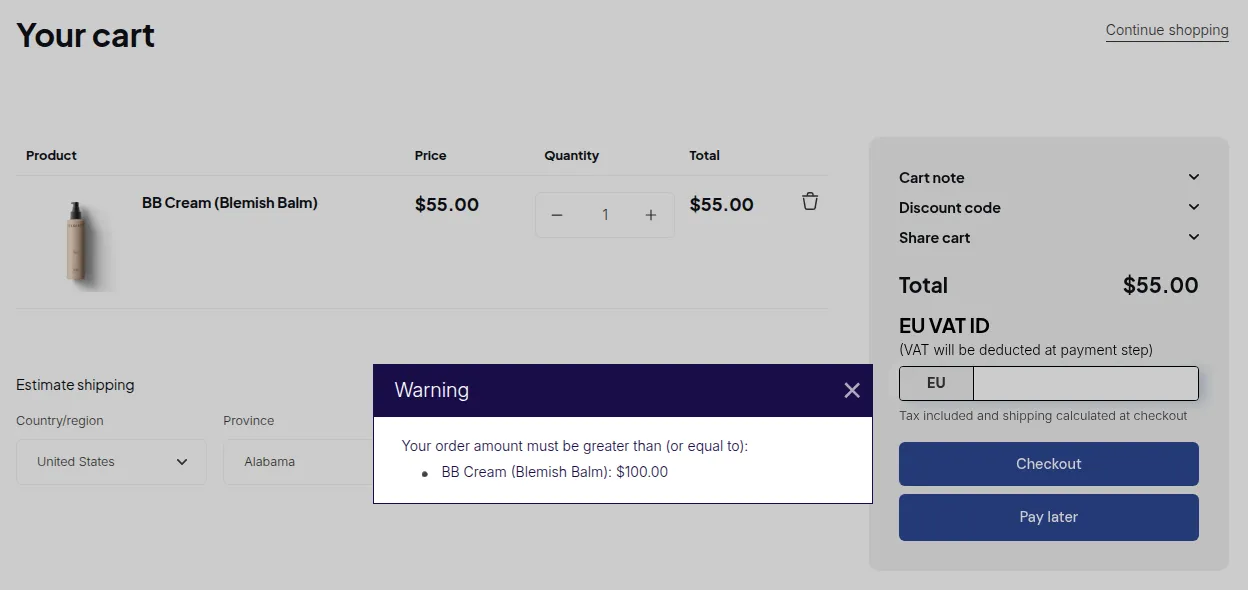
What your customers see on the storefront.
How it works
Section titled “How it works”- When at least one Order Limit or Quantity Increment rule is enabled, the checkout button is locked as the page loads.
- The app then checks the cart.
- If the cart meets every rule, the button unlocks.
- If a rule is not met, the button stays locked and a warning pop-up explains which rule to fix.
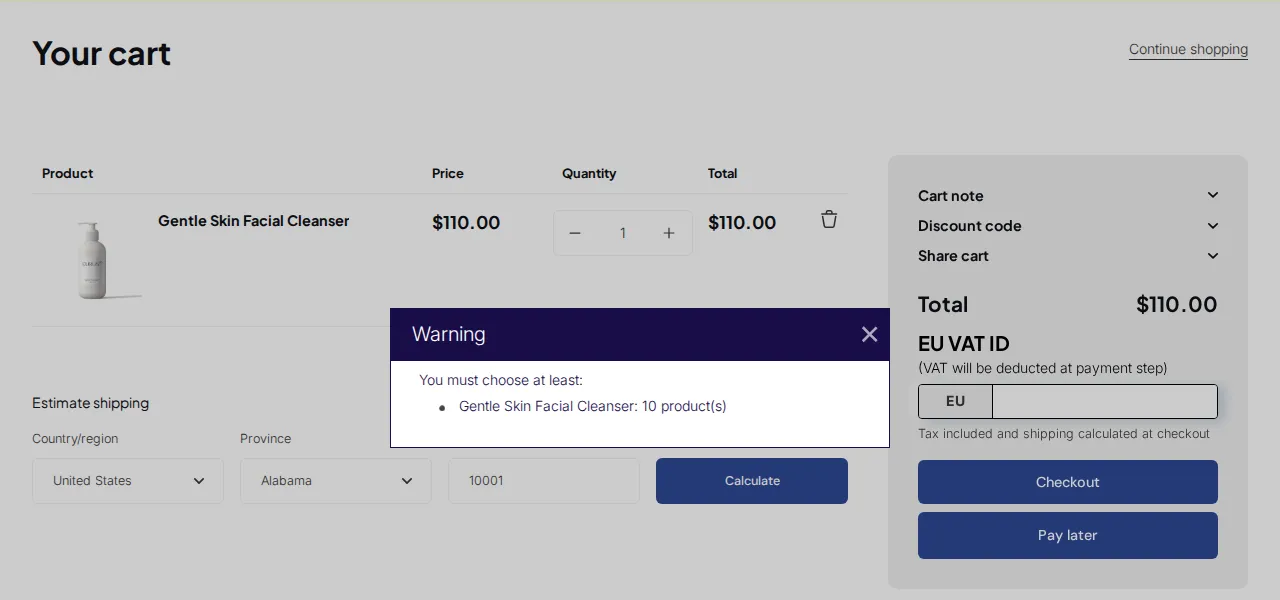
If the button never unlocks
Section titled “If the button never unlocks”| What you see | Likely cause | Fix |
|---|---|---|
| Button locked, no pop-up, for every cart | App embed is off, so the check never runs | Turn the app embed on and reload |
| Button unlocks, then locks again with a pop-up | The cart breaks a rule | Adjust the cart, or review the rule |
| Error on every quantity | The Quantity Increment rule has no valid quantity | See minimum quantity rule causing a permanent error |
| Only on your theme’s custom checkout button | The button uses a selector the app does not know | Contact support with your store and theme name |
To remove the lock completely, disable or delete all Order Limit and Quantity Increment rules.