List of Supported Themes
Here is the list of Shopify themes where the app installs its features automatically. In the app, Automatic installation is in the Storefront setup of Custom Pricing, Price Lists, Volume Pricing and Tax Display. Click View supported themes there to open the same list in the app’s help.
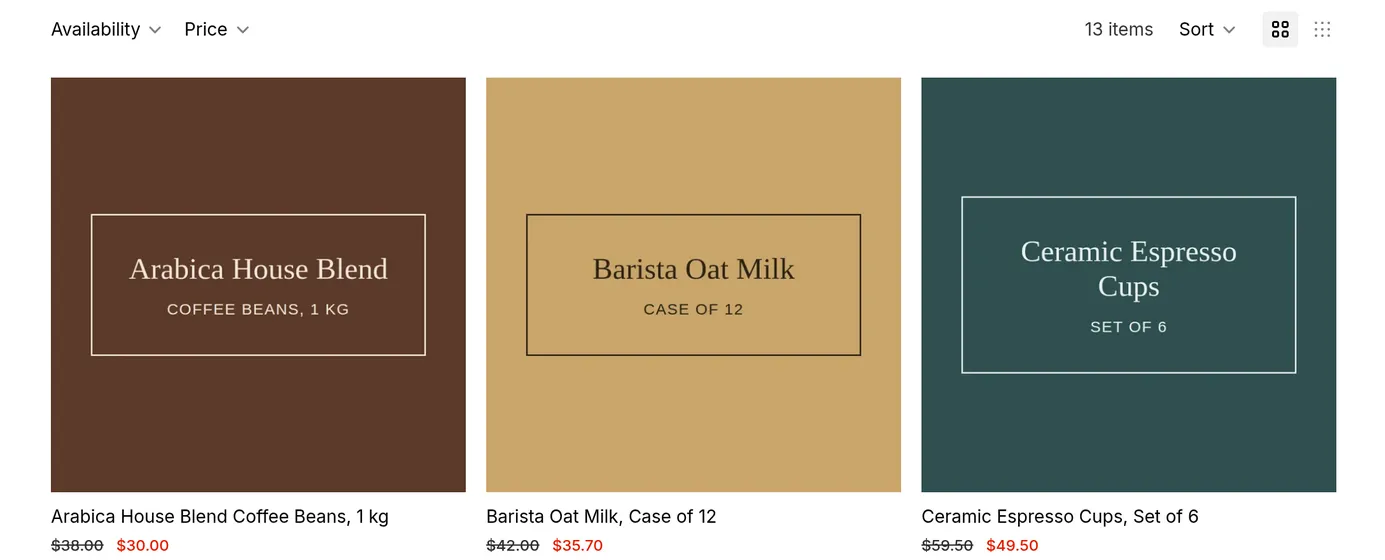
What your customers see on the storefront.
BSS B2B Solution installs automatically on the following Shopify themes. The app checks the theme’s original name, so a renamed copy of one of these themes still counts.
Online Store 2.0 Themes
Section titled “Online Store 2.0 Themes”- Dawn
- Sense
- Crave
- Taste
- Refresh
- Studio
- Craft
- Colorblock
- Origin
- Spotlight
- Publisher
- Rise
- Trade
Premium & Third-Party Themes
Section titled “Premium & Third-Party Themes”- Maximize
- Prestige
- Impulse
- Warehouse
- Eurus
- Vegist
- Impact
- Habitat
- Stiletto
- Sleek
- Focal
- Enterprise
- Empire
- Be Yours
- Ella
- Showcase
- Symmetry
- Broadcast
- Vision
- Motion
- Hyper
- Zest
- Megamog
- Minimog - OS 2.0
- Concept
- Pipeline
- Expanse
- Baseline
- Local
Newer themes: Horizon, Atelier, Savor and Tinker
Section titled “Newer themes: Horizon, Atelier, Savor and Tinker”These themes are not in the automatic list, so the app shows them as not supported for Automatic installation. The app embed works on them.
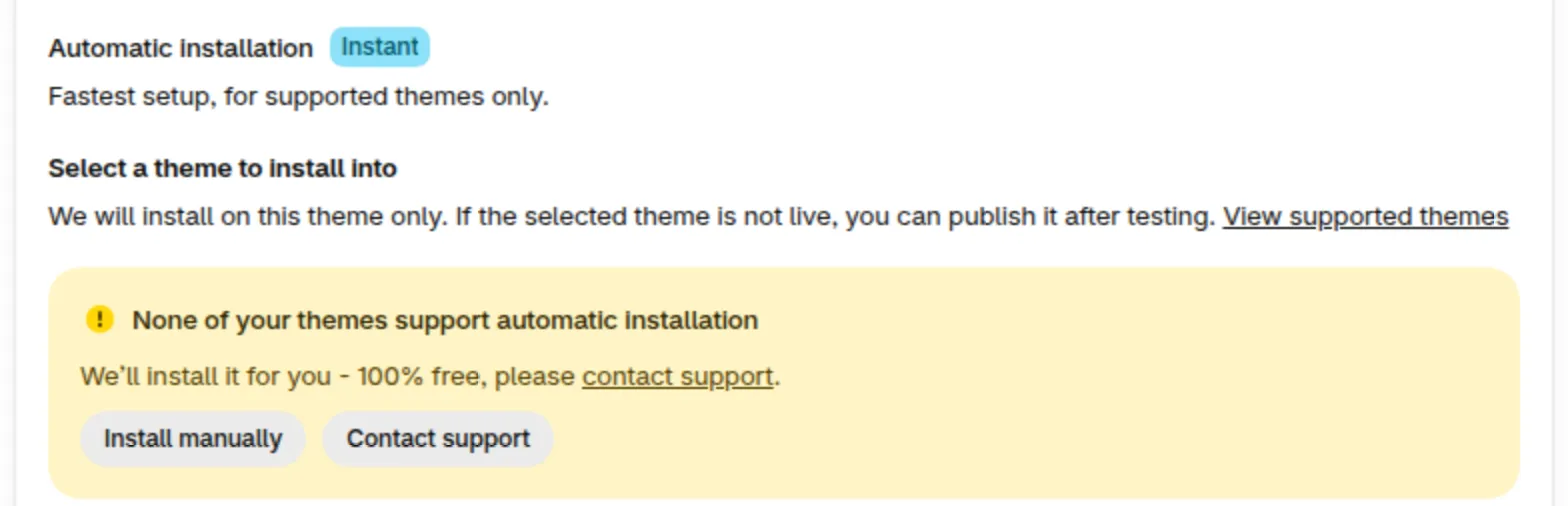
To show B2B prices, first turn on the app embed, then click Ask support:
- Open your theme editor and turn on BSS B2B Solution under App embeds.
- Click Ask support in the module’s Storefront setup. Our team installs the code that shows B2B prices on your theme (the price code) for free.

If the card says “No code was added to”
Section titled “If the card says “No code was added to””After an installation, the card on the Installation page can show No code was added to followed by the theme’s name. This can mean the theme already has the app code, or the app could not add its code. Click Preview on storefront to check whether the module shows. If it does not, click Contact support and we install it for you for free.
Recommended Themes for B2B Stores
Section titled “Recommended Themes for B2B Stores”If you are choosing a theme for a wholesale store, these themes are built for large catalogs and bulk ordering and work well with BSS B2B Solution:
| Theme | Why it suits B2B |
|---|---|
| Eurus | Made by BSS Commerce, highly compatible with the BSS B2B apps; quantity pricing and combined listings |
| Maximize | Designed for large catalogs, with advanced filtering, product comparison and quick-order flows |
| Warehouse | Fast with 10,000+ products; quick order form and stock indicators |
| Hyper | Quantity rules, quick order lists and volume pricing |
| Impact and Vegist | Strong search and cross-selling; Vegist includes a password-protected wholesale area |
Prefer an Online Store 2.0 theme, so app blocks and app embeds work without code edits, and test on desktop and mobile before launch. Read more in Best Shopify B2B themes for BSS B2B Solution.
Not Seeing Your Theme Here?
Section titled “Not Seeing Your Theme Here?”If your store is using a theme not fully supported by default, don’t worry: our technical team can customize the integration for free to ensure everything works smoothly with your store.