
Why don't volume pricing tables show on collection pages?
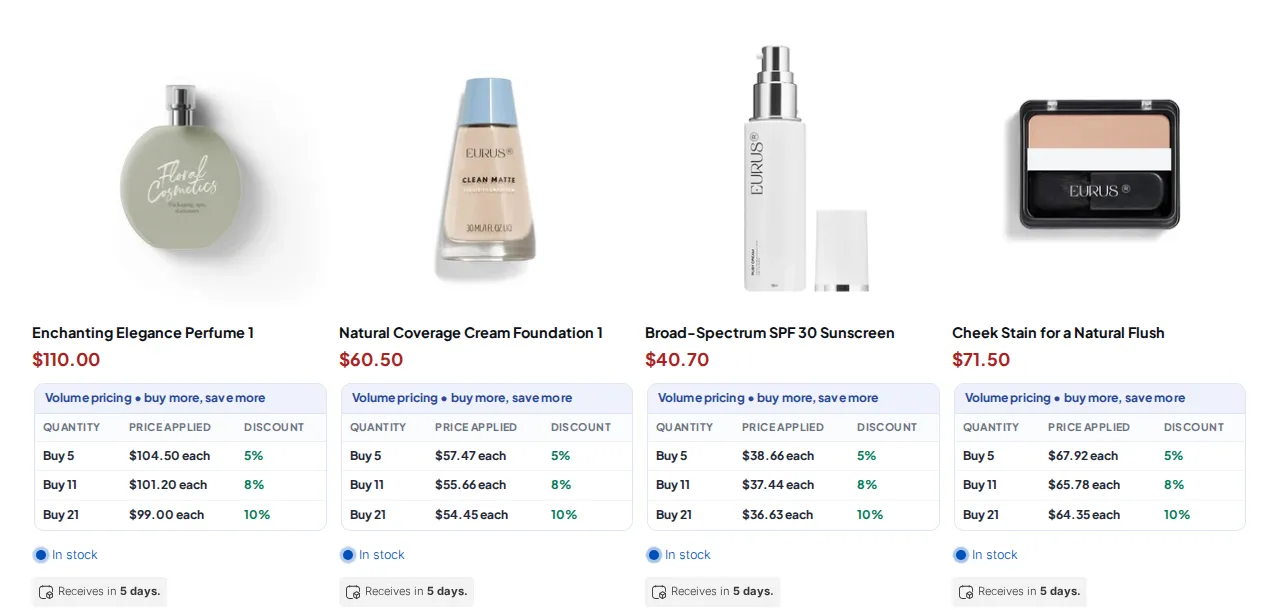
Short answer: by default the Volume Pricing table shows on the product page, cart page and mini cart. Collection pages must be turned on in the settings.
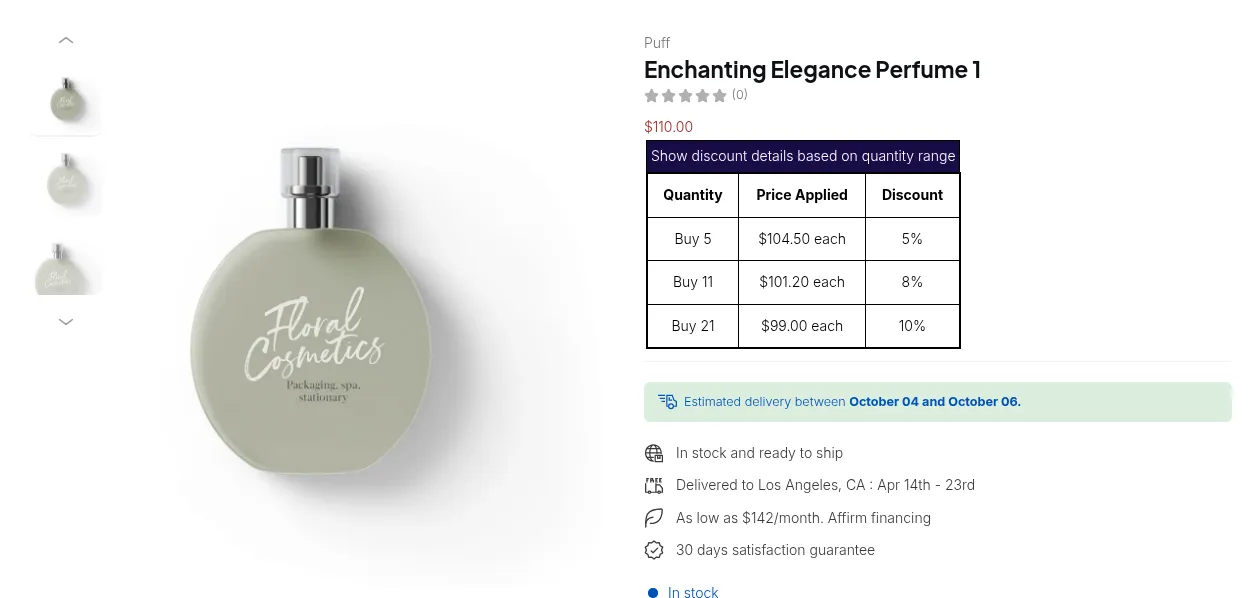
What your customers see on the storefront.
Turn on tables for collection pages
Section titled “Turn on tables for collection pages”- In BSS B2B Solution, open B2B Pricing > Volume Pricing > Settings.
- Under General settings, find Show Volume Pricing Table on pages.
- Tick Collection page. You can also tick Quick view and Featured product.
- Click Save, then reload a collection page in a private window.
| Option in “Show Volume Pricing Table on pages” | Default |
|---|---|
| Product pages (Choose the position below) | On |
| Cart page | On |
| Mini cart | On |
| Collection page | Off |
| Quick view | Off |
| Featured product | Off |
Still not showing
Section titled “Still not showing”- The product on the collection page must match the rule’s customer and product conditions. See My B2B prices don’t show for some customers.
- The app embed must be on.
- Some themes build collection cards in a way the app cannot detect automatically. Contact support with your theme name.