
I changed a setting but the storefront still shows the old value
Short answer: reload the page without cache. Your change is usually live a few seconds after you click Save.
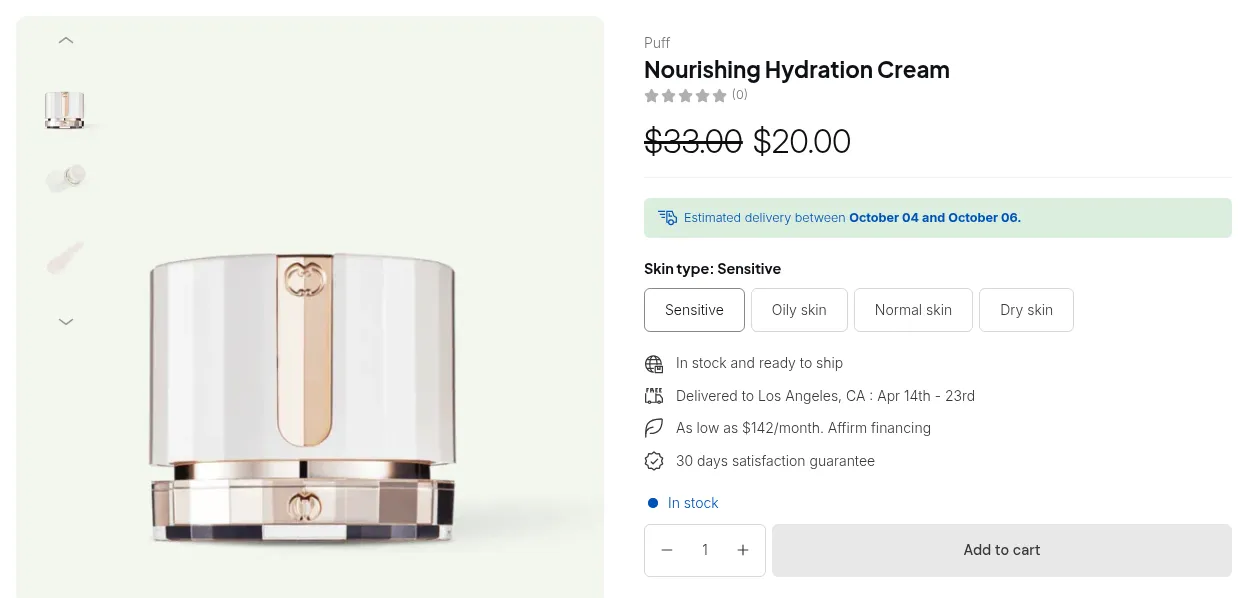
What your customers see on the storefront.
Try this first
Section titled “Try this first”- Hard-refresh the storefront:
Ctrl + Shift + Ron Windows,Cmd + Shift + Ron Mac. - Or open the page in a new private/incognito window.
- If you just changed a customer’s tags, the customer must reload the page too.
Still the old value after a minute
Section titled “Still the old value after a minute”| Cause | How to tell | Fix |
|---|---|---|
| The module is switched off | The module card in the app is off | Turn the module on, then save the rule again |
| Your plan does not include an option used in the rule | The rule is enabled in the app but never shows | See a feature stopped working after I changed my plan |
| Very large rule set | Saving reports a partial result that names the rules left out | Reduce the number of active rules or narrow very long product or customer lists. Saving again will not help. |