
Why is my minimum quantity rule causing a permanent error?
Short answer: the rule’s Min and Max leave no quantity that is also a multiple of Quantity increments, so no cart can pass.
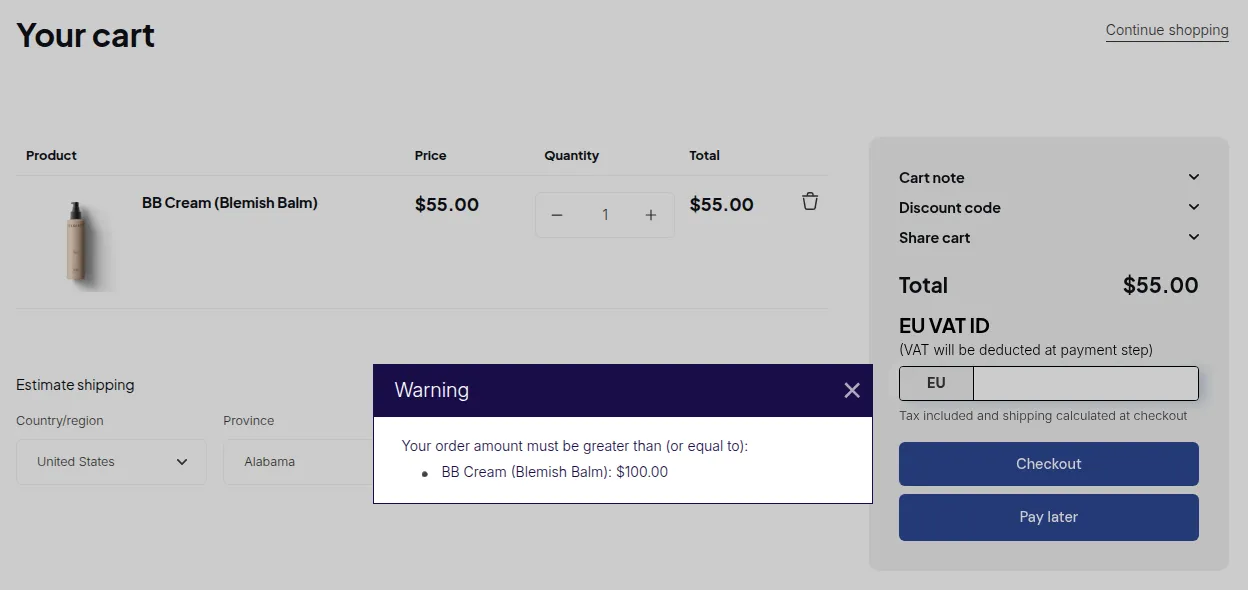
What your customers see on the storefront.
A Quantity Increment rule checks two things at once:
- The quantity is a multiple of Quantity increments.
- The quantity is between Min and Max.
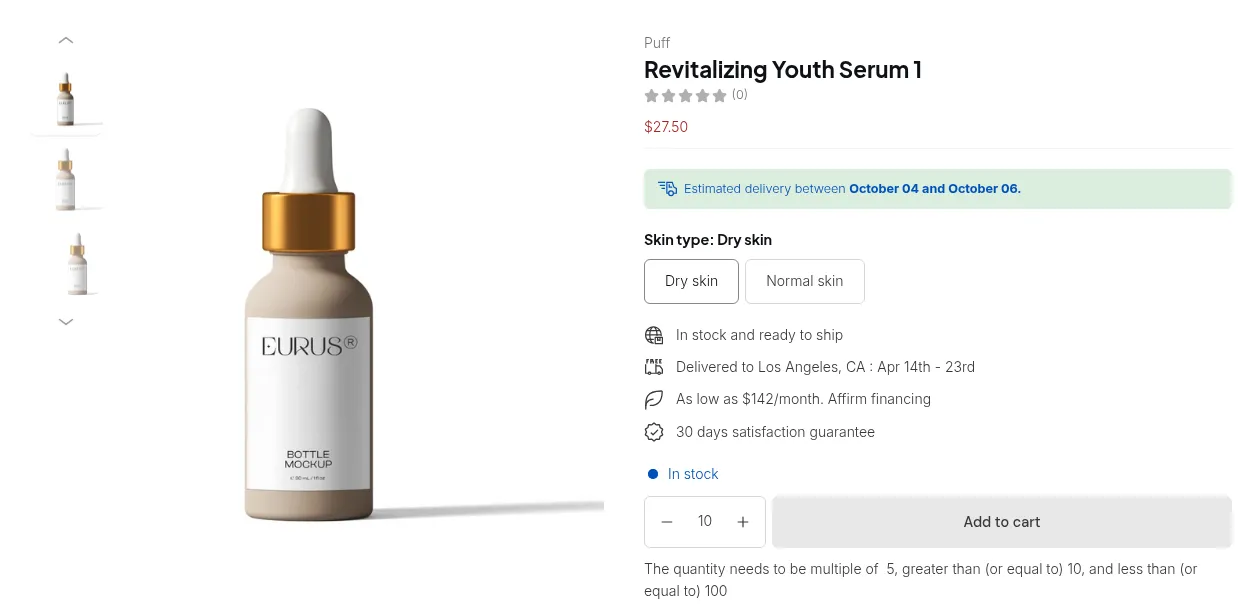
If no multiple falls inside that range, the customer sees “Rule Quantity Increment: Not Satisfied” for every quantity, and the checkout button stays locked.
| Quantity increments | Min | Max | Valid quantities | Result |
|---|---|---|---|---|
| 6 | 6 | 60 | 6, 12, … 60 | Works |
| 6 | 7 | empty | 12, 18, … | Works |
| 6 | 6 | 10 | 6 | Works, only 6 is allowed |
| 6 | 8 | 11 | none | Error on every quantity |
- Set Min to a multiple of Quantity increments, for example 12 for an increment of 6.
- Leave Max empty if you do not need an upper limit.
- Save the rule and reload the storefront.