
My B2B prices don't show for some customers
Short answer: the customer usually does not match the rule. Most often they are not logged in, or their account does not have the tag the rule targets.
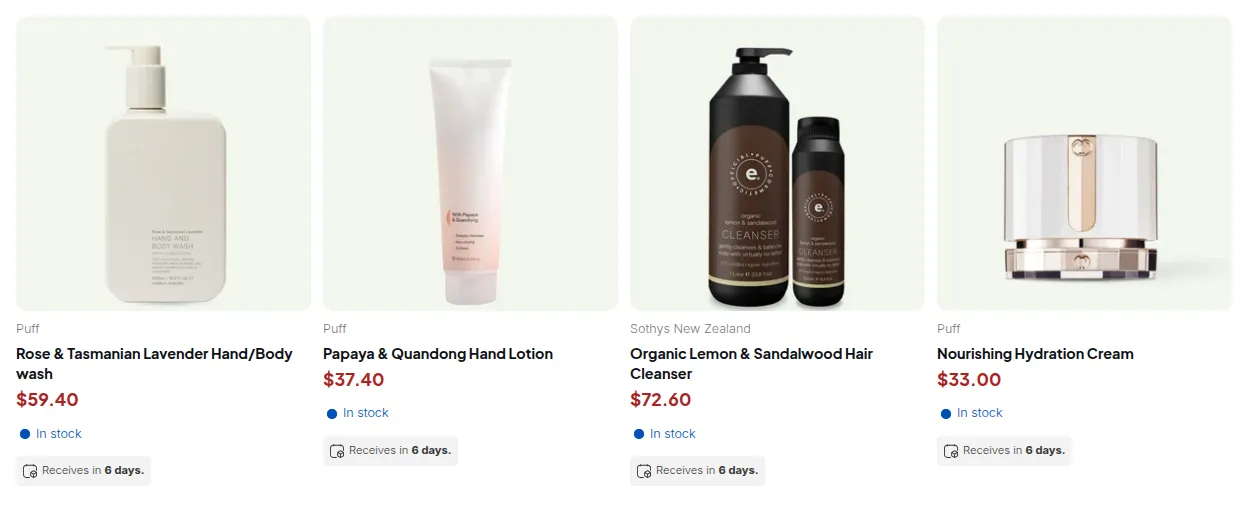
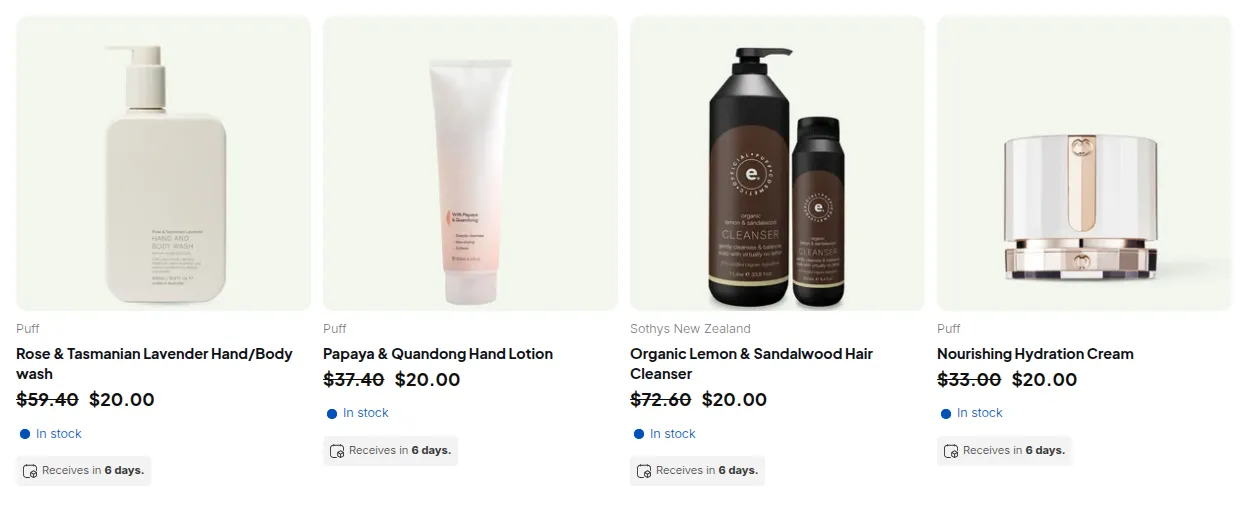
What your customers see on the storefront.
Custom Pricing, Price List and Volume Pricing rules are checked on every page load against the visitor’s account. A rule applies only when all of these match:
- Apply to customers: Logged-in customers needs the visitor to be signed in. All also covers guests.
- Customer tags: the customer must have at least one of the rule’s tags. Tags are matched without case, so
Wholesaleandwholesalematch. - Specific customers: the customer must be in the rule’s list.
- Exclusions: an excluded customer never gets the rule, even if they match above.
- Products: the product or variant must be inside the rule’s product condition.
- Markets and Schedule, if set.
The rule works for nobody
Section titled “The rule works for nobody”If the rule shows as enabled in the app but the price never appears for anyone, check your plan first. Options above your plan are removed when the rule is published, without an error:
| Option in the rule | Plan needed |
|---|---|
| Product tags, Specific markets, product exclusions | Advanced or Platinum |
| Specific variants | Platinum |
How to check a customer
Section titled “How to check a customer”- Open the customer in Shopify admin and confirm the tag is on their record.
- If the tag should come from Auto Tags, check Auto tag history in the app to see whether the rule fired.
- If the customer was approved through a Registration Form, check that the form adds the expected tags on approval.
- Sign in as that customer in a private window and reload the page. A tag added while the customer is browsing takes effect on the next page load.
See also: How customer targeting works · How rule priority works